
Poki Games
Play the most popular Poki games online for free in your browser, on mobile and PC. No download, no sign-up.













































































What Are Poki Games?
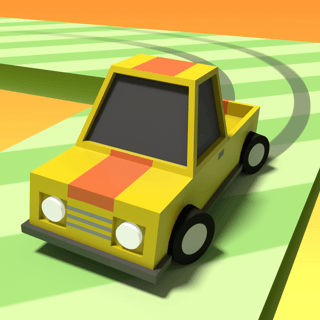
Poki games are free browser games that open instantly, with no app to download and no account to create. This page gathers the titles players on Poki.uk.net return to most often: endless runners such as Subway Surfers and Temple Run 2, creative sandboxes such as Minecraft Classic, and quick skill challenges such as Stickman Hook, Tunnel Rush and Drive Mad. Every tile at the top of this page opens a game page with a short guide, the controls, and a Play button that launches the game in a new tab.
Popular Poki Games to Play Right Now
If you are not sure where to begin, start with the large tiles. These are the games with the most plays on the site this month, and each one works on both mobile and desktop.
- Subway Surfers – swipe between lanes, jump over barriers and collect coins in the classic endless runner.
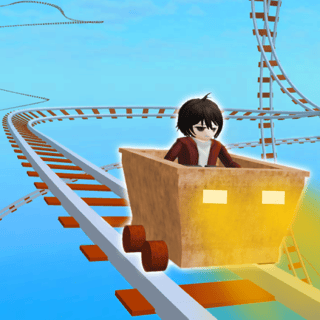
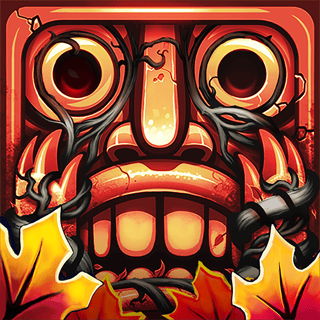
- Temple Run 2 – sprint along cliff paths, mine carts and zip lines while a giant monkey chases you.
- Minecraft Classic – place and break blocks in a simple creative world, alone or with friends.
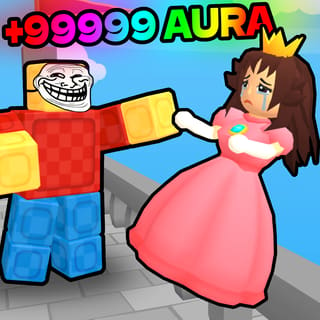
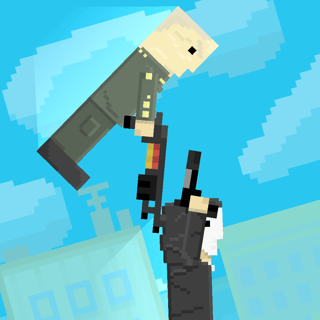
- Thief Puzzle – stretch a sneaky arm around traps and guards to grab the loot in each short level.
- Stickman Hook – time your swings and releases to fly through each course without touching the floor.
- Drive Mad – keep your vehicle balanced across ramps, bridges and traps that punish heavy throttle.
Browse Poki Games by Category
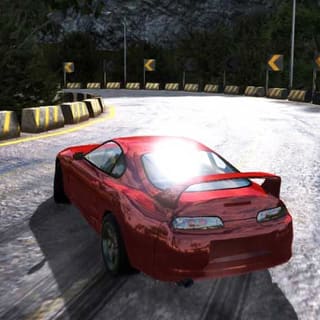
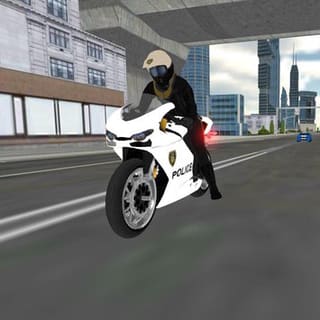
Every game here belongs to a category, so finding more of what you enjoy takes one tap. Racing games and car games are the largest collections, with drift, stunt and traffic titles. Sports games cover football, basketball and penalty shootouts. Puzzle games and brain games suit a slower session, while skill games, action games and stickman games reward fast reactions. The full category list has more than twenty collections to explore.
How to Play Poki Games on Mobile and PC
On a phone or tablet, tap a tile to open the game page, then tap Play now. The game opens in a new tab so you can return to this list at any time. Most popular titles use touch controls: swipe to move, tap to jump or hook, and hold to accelerate. Turning your phone sideways usually gives runners and racers more room.
On a computer, click a tile, read the controls listed on the game page, and press Play. Arrow keys or WASD handle movement in most games, the space bar jumps, and the mouse aims or swings. An up-to-date browser such as Chrome, Edge, Firefox or Safari gives the smoothest frame rate.
Why Players Choose Poki Games
The main appeal is speed. A game loads in seconds, a round can be finished during a short break, and progress in many titles is saved in your browser so you can pick up where you left off. The games are free to play and supported by ads, which keeps the whole library open without a subscription.
The library also changes regularly. New games are added as they become available, and titles that stop working are removed so that every tile on this page leads to something playable. Use the all games list to see the complete collection sorted by popularity.
Tips for a Better Session
- Read the short guide on each game page before playing. It explains the goal and the controls in a few lines.
- Use fullscreen on desktop when a game offers it. Runners and racers are easier to judge on a larger view.
- Allow pop-ups for this site if the Play button seems to do nothing. The game opens in a new tab, and strict blockers can stop it.
Frequently Asked Questions
Are Poki games free?
Yes. Every game listed on this page is free to play in your browser. There are no hidden fees, trials or subscriptions.
Do I need to download anything?
No. The games run inside your web browser. You only need an internet connection while the game loads and plays.
Can I play Poki games on my phone?
Most of the popular titles support touch controls and play well on iPhone and Android. Games built around a keyboard are easier on a computer, and each game page notes which controls it uses.
Why does the game open in a new tab?
Opening the game in its own tab keeps this list ready for you, gives the game the whole screen, and avoids conflicts between the site and the game player. Simply close the tab or switch back when you want another game.
Games on Poki.uk.net are supplied by third-party developers and remain the property of their owners. If a game stops working, please contact us with the game name and your device.